




 Yeni
-15%
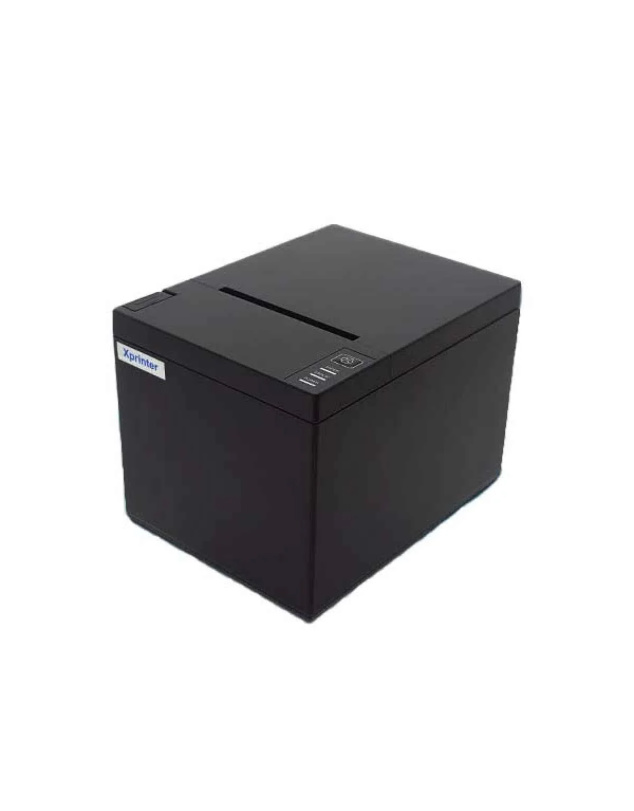
Xprinter XP-T361U Hybrid Thermal Receipt & Barcode Printer
₼ 127.50₼ 150.00
Save counter space and money with the ultimate 2-in-1 printing solution! The Xprinter XP-T361U thermal printer instantly switches between receipt mode and barcode label mode, eliminating the need to buy two separate devices. It is highly recommended for retail shops, supermarkets, warehouses, and e-commerce fulfillment centers.
Featuring an ink-free direct thermal technology, it ensures clear 203 dpi text and barcode printing with zero cost on toners or ribbons. Equipped with a reliable USB connection, it delivers plug-and-play integration with Windows PCs and standard automated POS systems.
Rəng:
- Brand / Model: Xprinter XP-T361U
- Printing Method: Direct Line Thermal (Ink-free)
- Dual Mode: Supports both Receipt and Label printing
- Print Speed: Receipt mode up to 220 mm/s, Label mode up to 127 mm/s
- Media Width: Adjustable from 20 mm to 80 mm
- Resolution: 203 DPI high-resolution output
- Interface: USB 2.0 interface
- Barcode Support: 1D, 2D Barcodes, and QR Codes
- Condition: Brand New
How to Switch the Printer from Label Mode to Receipt Mode
To switch the printer from label printing mode to receipt printing mode, follow these steps:
1. While the printer is powered off:
- Press and hold the Pause button.
- While holding the button, turn on the printer power.
- Wait until the printer prints a small text.
2. Release the Pause button
The last word in the printed text shows the current printing mode:
- LABEL — Label printing mode
- RECEIPT — Receipt printing mode
3. Change the mode
- To switch between LABEL and RECEIPT modes, press the Feed button once.
- The printer will print the text again with the new mode.
4. Save the settings
- Turn the printer off and on again.
5. Install the driver
- After that, install the XP-80 receipt mode driver.
⚠️ IMPORTANT !
To switch the printer back to label printing mode:
- Make sure the printer is set to LABEL mode.
- Print using the label printer driver, not the receipt printer driver.
Otherwise, the printer may output unreadable characters or garbled symbols instead of normal text.
Xprinter XP-T361U Printer Driver
Yükləmək üçün daxil olun
Xprinter XP-T361U - Driver 2
Yükləmək üçün daxil olun
XP-80 driverini
Yükləmək üçün daxil olun
Oxşar məhsullar
Yeni
 Yeni
 Endirim
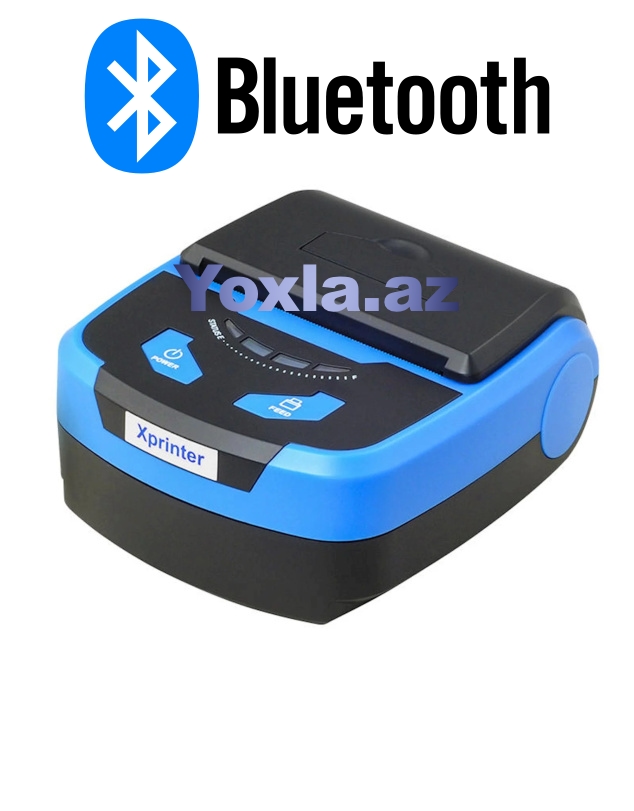
Xprinter XP-P810 | Mobile Thermal Receipt Printer
₼ 100.00
₼ 115.00
 Məhdud say
 Məhdud say
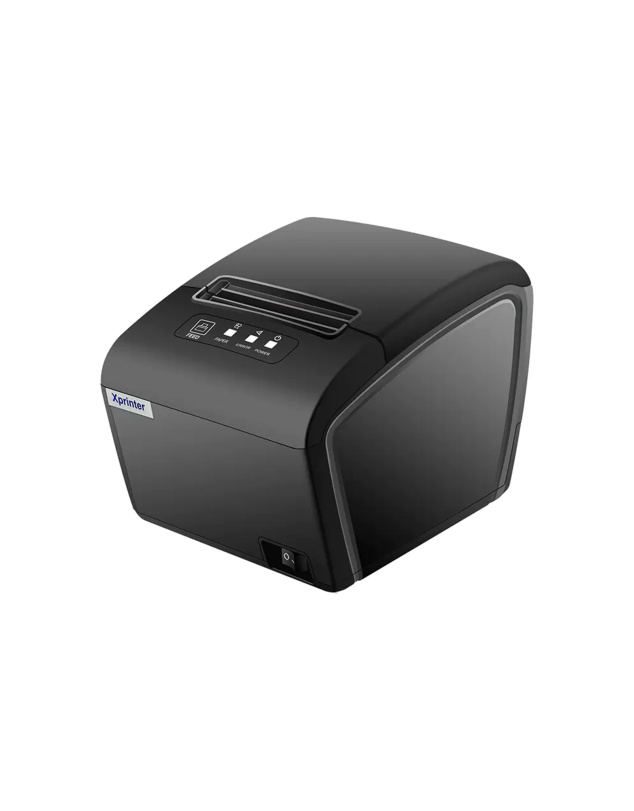
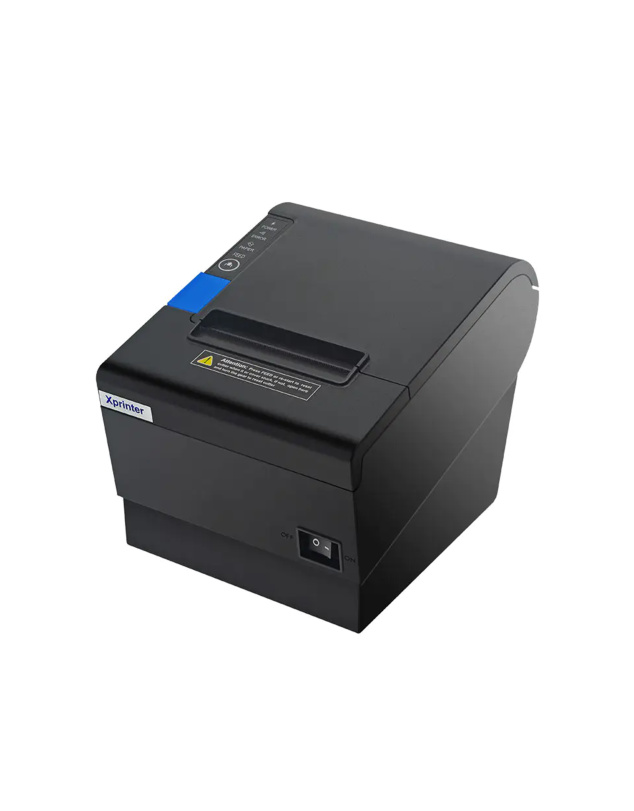
XPRINTER S200M USB+LAN | 80mm Thermal Receipt Printer
₼ 110.00
Bitib
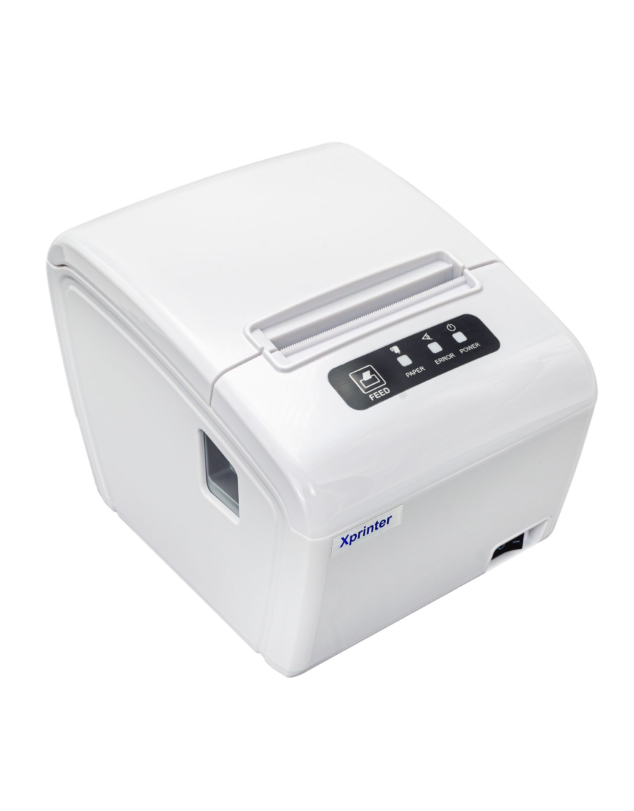
XPRINTER S200M USB+LAN WHITE
₼ 120.00